Papirofy
How to convert JPG to PDF (photos and images)
Photos of a receipt, screenshots of a chat or pictures of a project: as a PDF they are easier to send and print.
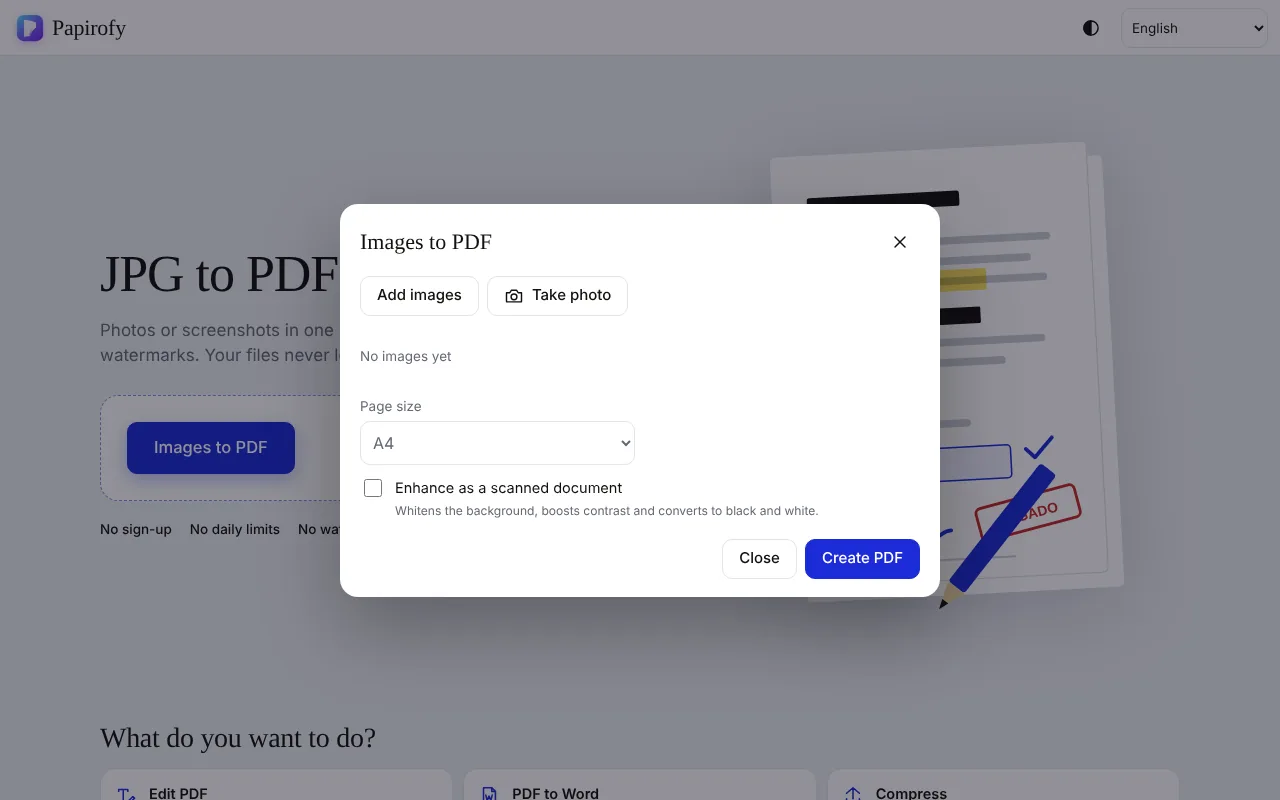
Step by step
- Open Images to PDF.
- Press Add images (JPG, PNG, WebP or SVG). On a phone you can also Take photo.
- Drag the images into order.
- Choose the page size: A4, Letter or same as the image.
- In Color, choose Color (enhanced) or Black and white if they're photos of paper, or Original to leave them as they are. In Quality, Light makes the smallest file.
- Press Create PDF and download it, or keep editing.