Papirofy
How to scan documents to PDF with your phone
You don't need a scanner or an app: your phone's browser is enough.
Step by step
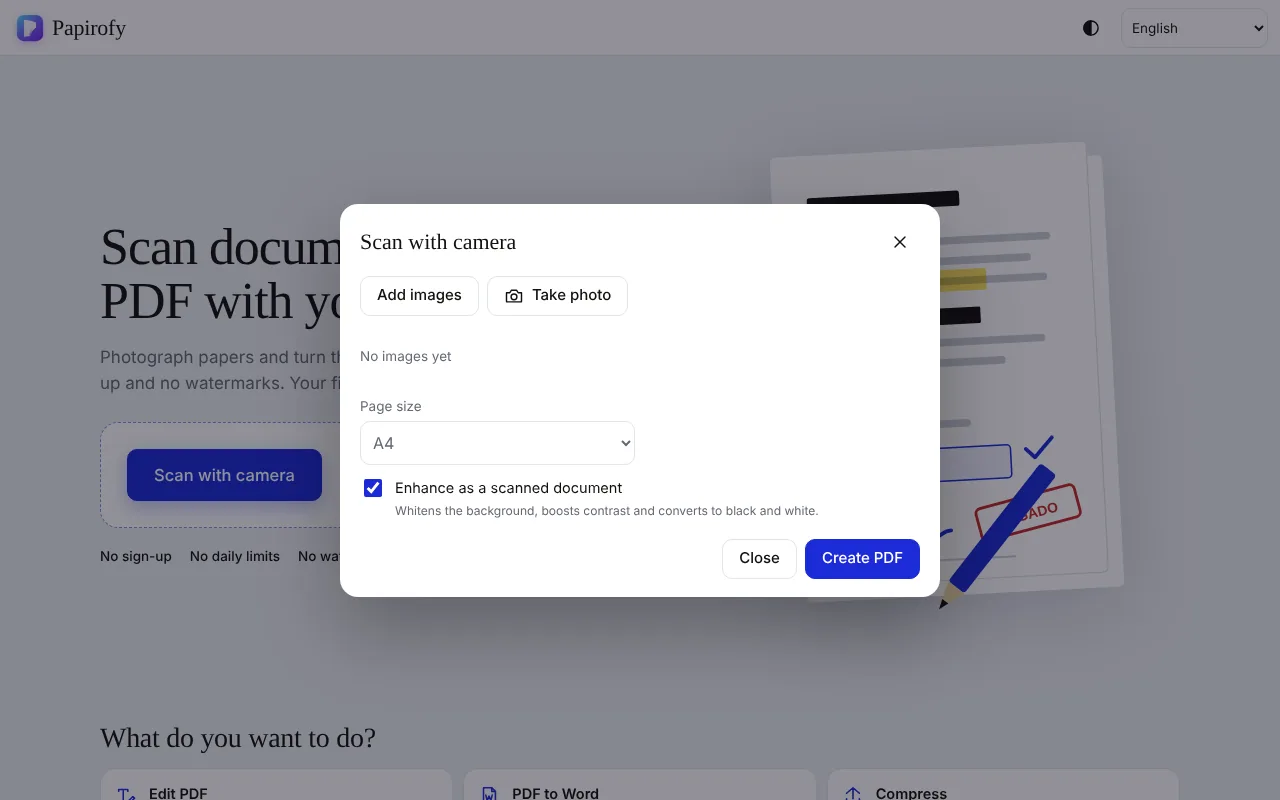
- Open Scan with camera on your phone.
- Press Take photo and photograph each page, one at a time.
- In Color, choose Color (enhanced) to keep the colors with a white background, or Black and white for text-only documents. In Quality, Light makes the file smaller for email.
- Press Create PDF and download it.
For better results
- Put the paper on a dark surface in good light, without shadows.
- Frame the whole page and hold the phone parallel to the paper.